


3D Pixel Art Guide - Part 3
posted on 25 May 2026, updated on 25 May 2026

3D Pixel Art Guide by Bernard Perbal is licensed under a Creative Commons Attribution-ShareAlike 4.0 International License.
When working with an object that features a sloped surface, determining the start and end points of the edge is usually fairly straightforward. The horizontal offset can be calculated directly, while the vertical displacement is obtained using the 1.2649 vertical scaling factor introduced in Part 1 of this guide.
Drawing the edge itself, however, is a completely different matter. In Pixel Art, a mathematically correct line does not necessarily produce a visually convincing result. Achieving a slope that appears both clean and aesthetically balanced can therefore become surprisingly difficult.
In practice, only a small number of precise angles generate pleasing pixel patterns. Certain slopes naturally produce cleaner stair-step sequences, making the edge easier to read and visually more coherent.
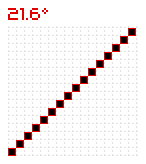
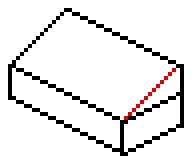
The following example uses a 21.6-degree angle, which tends to give particularly good graphical results. Because of this, when a sloped surface falls within an approximate range of 18 to 24 degrees, it can often be preferable to intentionally represent it using a 21.6-degree slope instead.
While this approach introduces a small loss of angular accuracy, the resulting shape usually feels far more natural and visually harmonious within a Pixel Art environment.
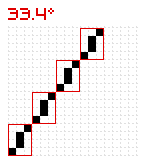
In this other example, the inclined plane has a precise angle of 33.4 degrees. Notice that the edge appears less regular here, but this is the most consistent way to represent this angle:
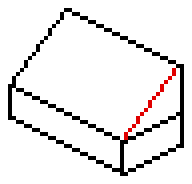
Note that this line is made up of a repeating pattern contained within a 3 * 4 rectangle:
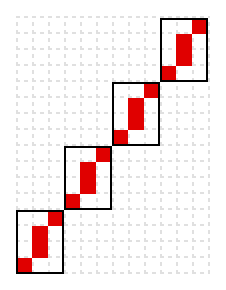
The following table lists all the angles that can be represented using a repeating pattern contained within an x * y rectangle.
It should be noted that the smaller the rectangle, the more regular and visually pleasing the line will appear. In particular, the 13 angles highlighted in green produce smoother and more consistent lines:
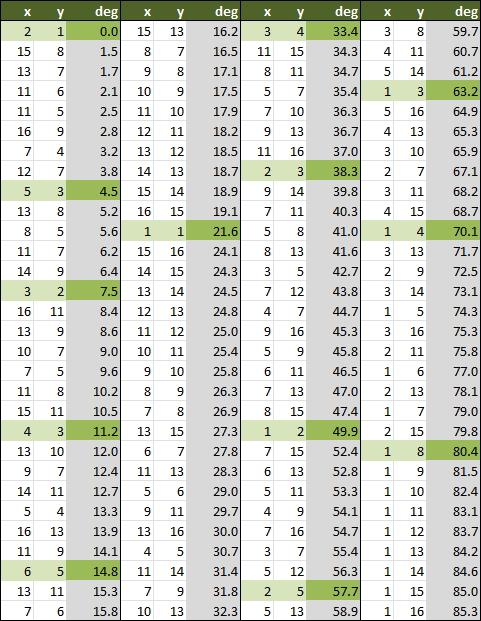
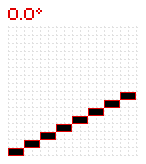
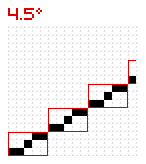
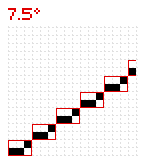
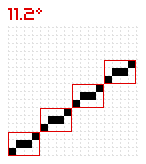
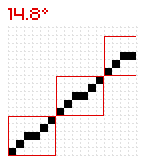
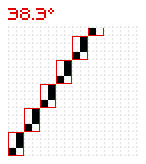
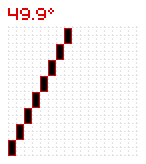
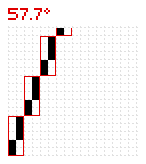
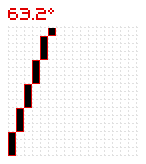
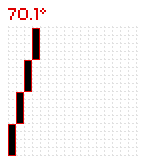
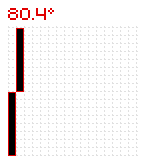
The lines corresponding to these 13 angles are shown in the following example and illustrated in detail within their associated rectangles below. Notice the dimensions of the small red rectangle, whose pixel size corresponds to the x and y columns in the table above.